Texture Resizer
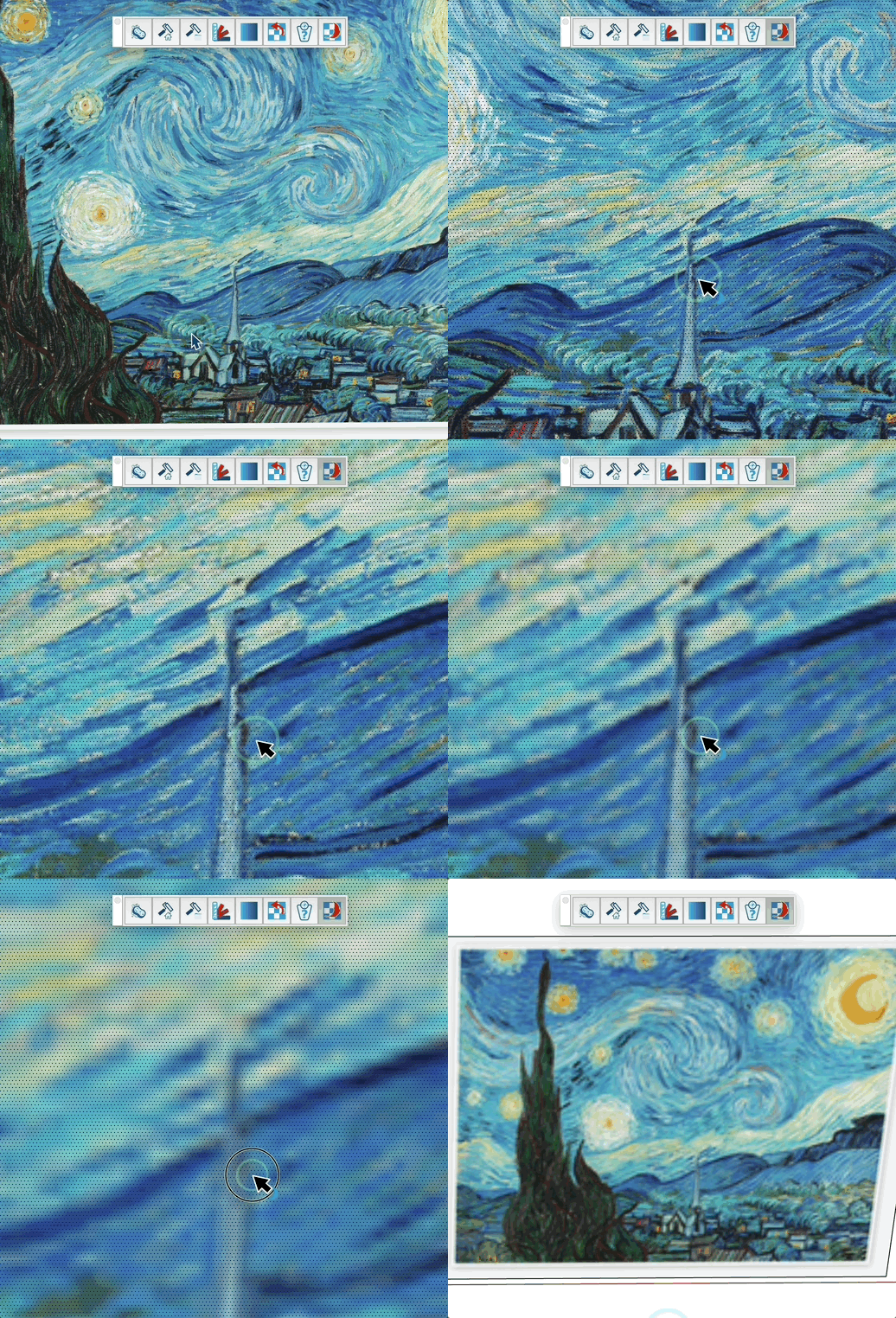
Analyse component weight and reduce the size of textures applied to faces to optimise file size and improve performance without re-importing images.
How it works
- Launch the tool
- Enter a scale factor in the VCB (default: 0.8 = 80% of original size)
- Hover over a component, group or face: a tooltip shows the face count, texture count and total weight
- Click on a textured face to resize its texture
- A banner shows the before / after weight and the space saved
Information shown
- Total face count (recursive through sub-components and groups)
- Number of unique textures used
- Estimated texture weight — displayed in KB below 1 MB, otherwise in MB
- All maps are taken into account: diffuse, AO, metallic, normal, roughness
- When the target texture is shared by several faces, an "Impacted faces" line shows how many faces would receive the lighter bitmap (1/N in "Single face" mode, N/N in "Replace all textures" mode)
Modes
- Single face — Default. Creates a duplicated lightened material and applies it only to the clicked face. Other faces keep the original texture.
- Replace all textures — Replaces the bitmap of the current material in place. Every face that uses this material immediately benefits from the lighter bitmap. The physical texture size is preserved so existing UV mappings stay correct.
Keys
- VCB input = Enter a scale factor (0.2 to 0.8)
- Esc = Cancel the operation
- Ctrl (Windows) / Option (Mac) = Toggle the mode between "Single face" and "Replace all textures"
Tips
- The tool detects which side of the face you're hovering (front or back) and resizes the appropriate texture
- The resized texture is saved as a new material to avoid affecting other faces using the original texture
- The UV mapping is preserved, so the texture positioning remains unchanged
- Use this tool to reduce file size when textures are larger than necessary