
Lights
omni light
Créez des lumières omnidirectionnelles pour des rendus IA
Créez des lumières omnidirectionnelles pour des rendus IA
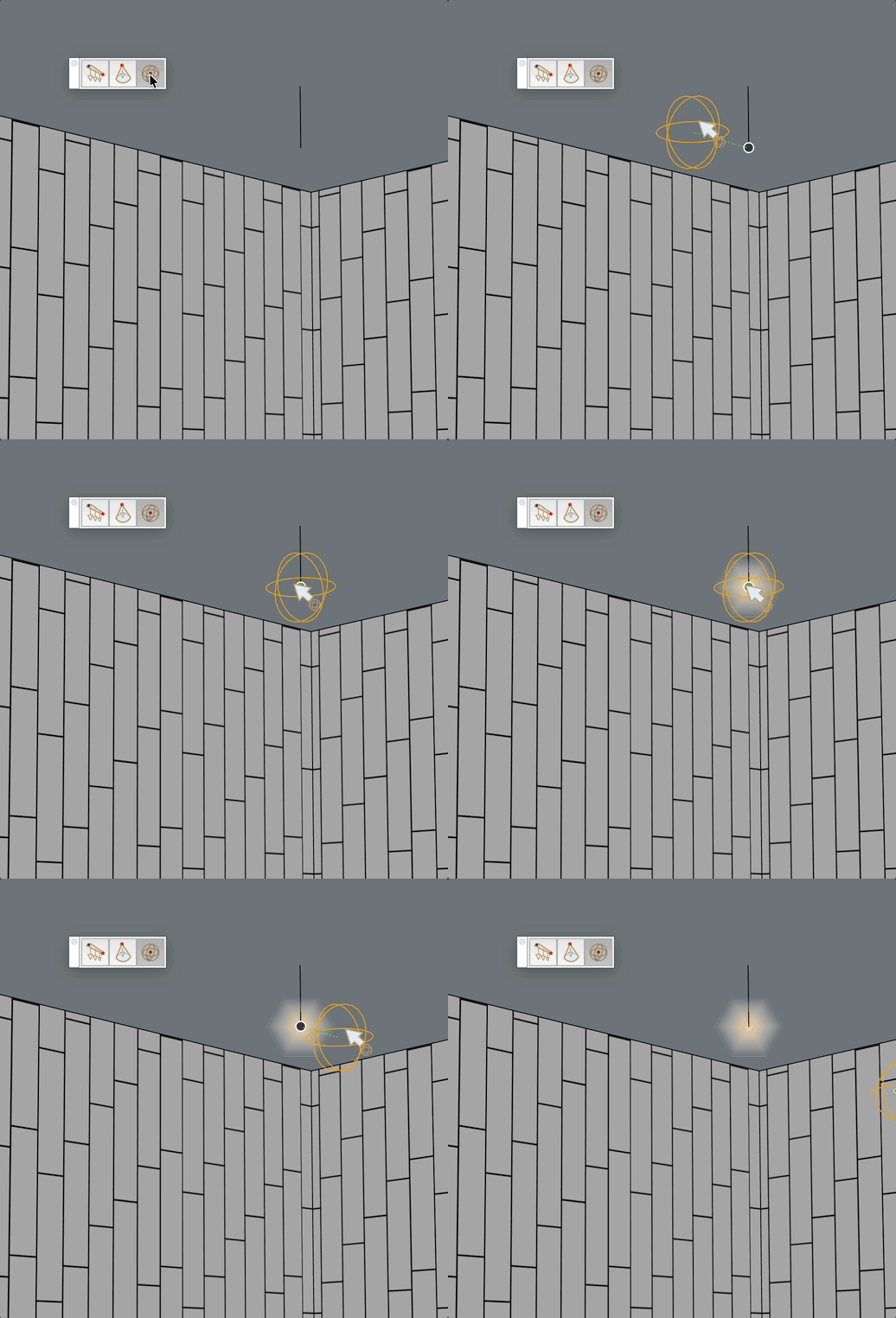
Place an omnidirectional light source in the model. The geometry consists of triangles radiating from the center (opaque) to the surface (transparent). The group is placed on the Light layer.