LED Strip
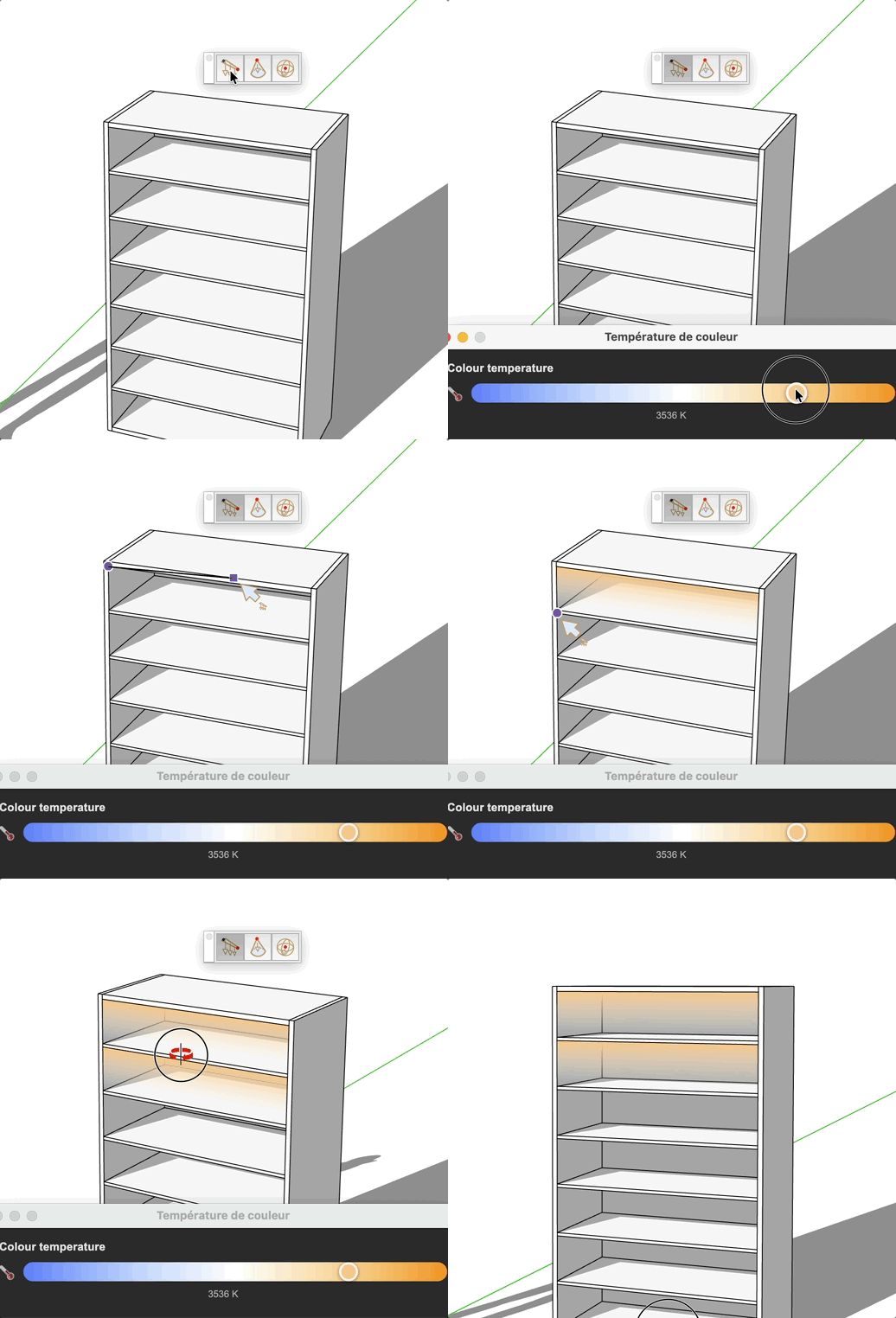
Draw a vertical LED light strip between two points. The strip is placed on the Light layer with a gradient texture (warm yellow or cool blue).

How it works
- Choose the color temperature (Warm or Cool) in the dialog that opens automatically.
- Click to define the start point of the strip.
- Click to define the end point, or type the distance in the VCB.
Keys
- Type a value before the 1st click to change the strip height (min 5 cm)
- Esc = Cancel the operation
Tips
- The strip is always vertical — the height can be adjusted before the first click.
- Warm color is yellow (~3000 K), cool color is blue (~6500 K).