
Lights
light cone
Visualisez le cône de lumière de vos sources lumineuses pour des rendus IA
Visualisez le cône de lumière de vos sources lumineuses pour des rendus IA
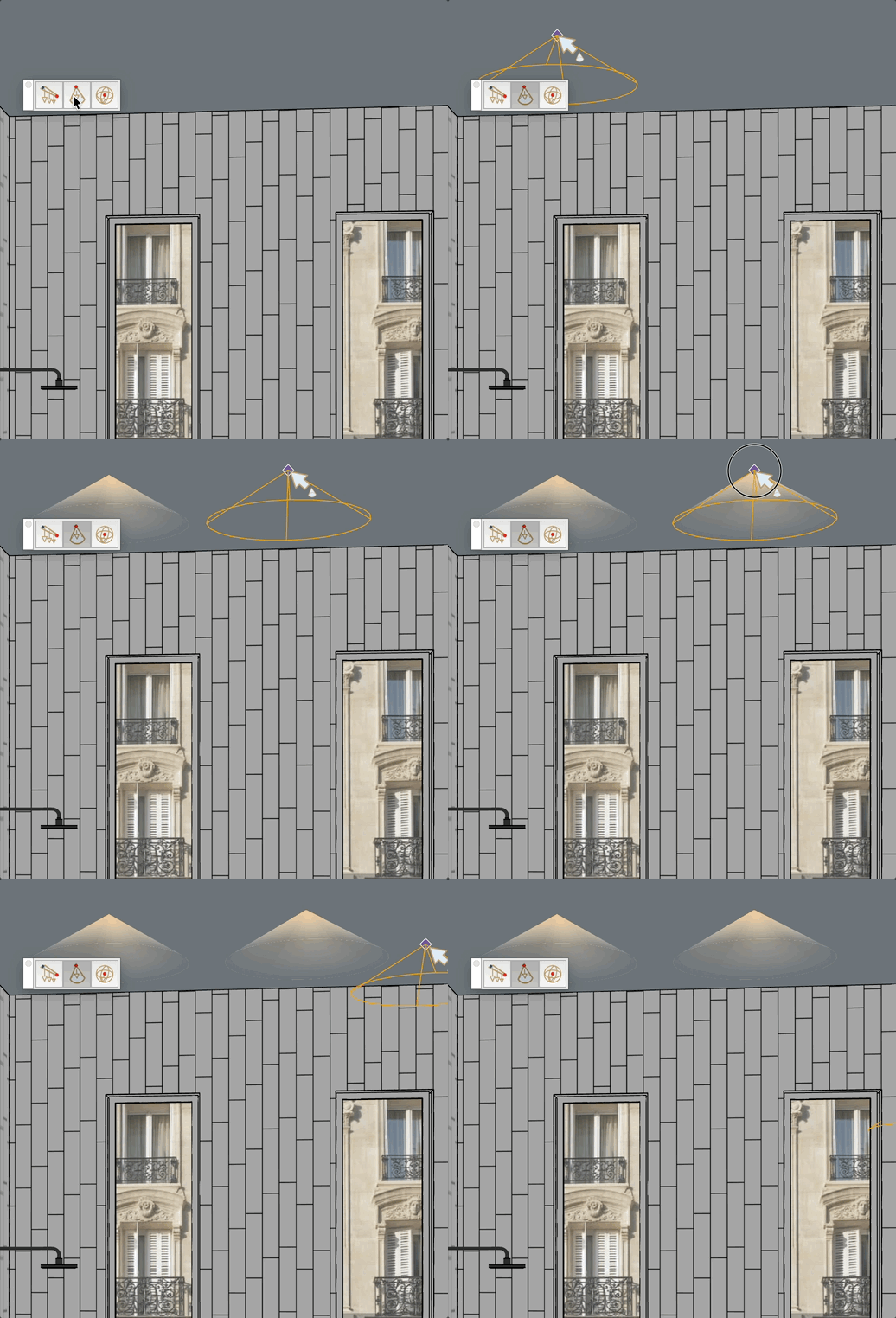
Place a spotlight cone in the model. The cone apex represents the light source (opaque), and the base fades to transparent. The geometry is placed on the Light layer.