
Light
Light cone
Click to place the light cone
Click to place the light cone
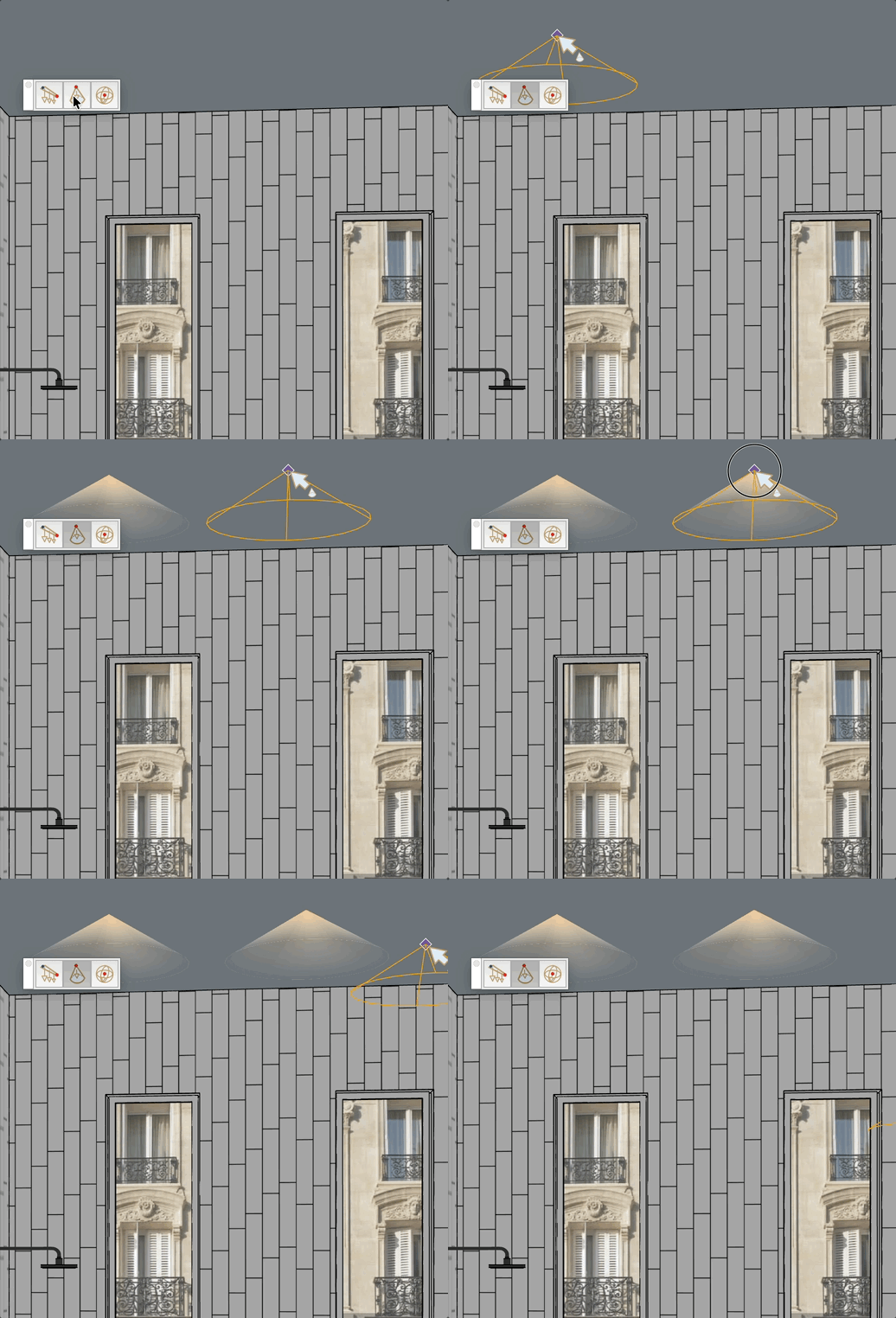
Place a spotlight cone in the model. The cone apex represents the light source (opaque), and the base fades to transparent. The geometry is placed on the Light layer.