Follow Me Vertically Tool
Performs a Follow Me extrusion along a vertical path with intelligent profile-path connection management.
How It Works
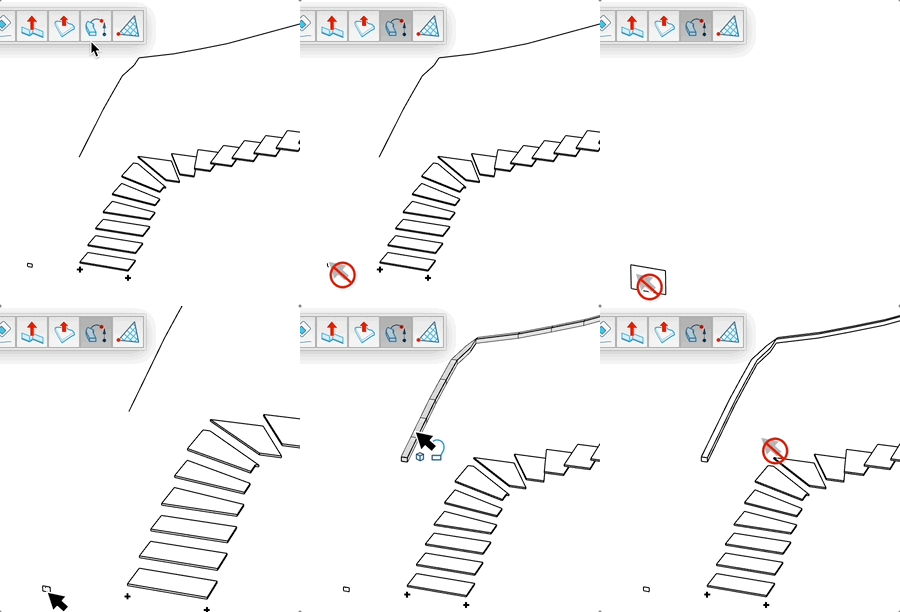
- Click on a face to define the extrusion profile
- Select a curve as the vertical path
- The connection between profile and path is automatically detected
- Click to validate and create the extrusion
Group Mode
- Press the modifier key (Ctrl/Alt) to toggle group mode
- In group mode: each extrusion is created in a separate group
- In normal mode: the extrusion is created directly in the active context
- The cursor changes to indicate the active mode
Advantages
- Automatic detection of the connection point between profile and path
- Automatic path reversal if needed for correct extrusion
- Automatic profile orientation according to face normal
- Automatic edge smoothing for a fluid result
- Real-time extrusion preview