Molding Tool
Sweep a predefined profile along vertical faces: baseboard, picture rail or cornice.
Profile types
- Baseboard: placed at the bottom of the wall
- Picture rail: placed at the height of the first click, then kept for the following faces
- Cornice: placed at the top of the wall
How it Works
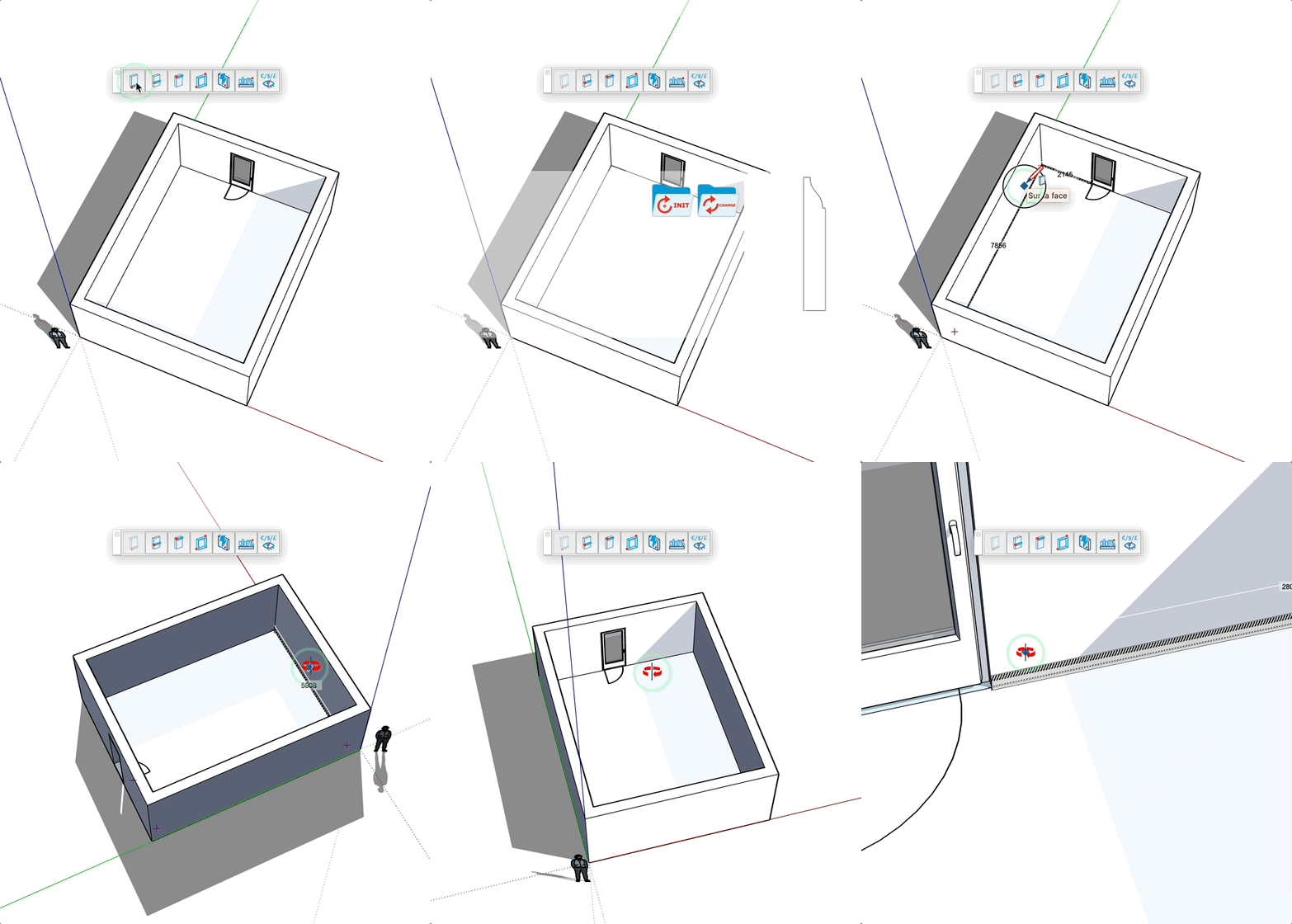
- Select a profile from the library (Baseboard, Picture rail or Cornice section)
- Click on a vertical face
- Click on the next faces: the segments join, closing the loop ends the molding
Keys
- Esc = Cancel the operation
Tips
- The type belongs to each profile: click the gear icon of a profile in the library to change it
- A profile without a type uses the type of its library section
- Click on the icon in the top right to change the profile