
Interior layout
dressing door
Créez des portes de dressing ou de placard rapidement en 2 clics.
Créez des portes de dressing ou de placard rapidement en 2 clics.
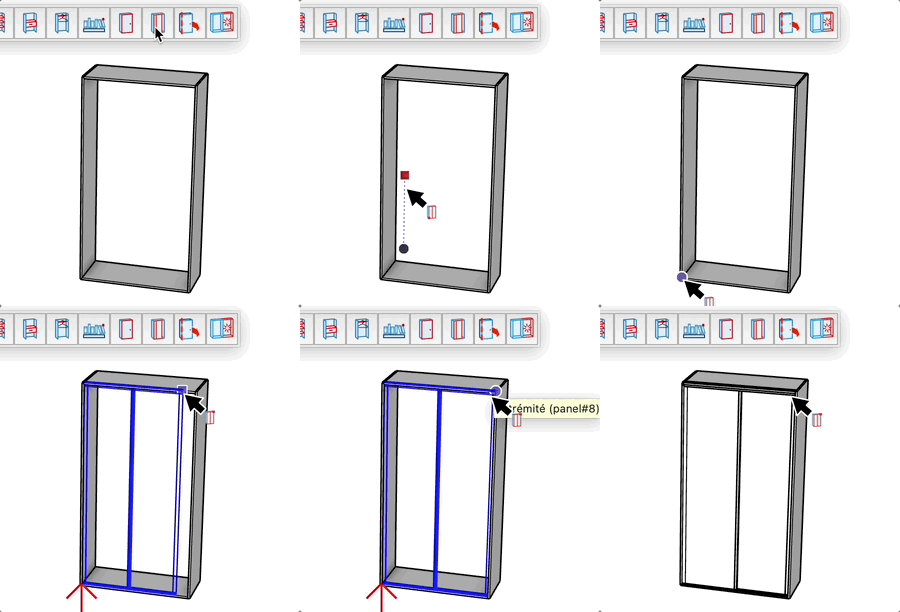
Create dressing or closet doors quickly in 2 clicks.
After the first click, you can enter precise dimensions:
Width;Height (e.g., 80cm;200cm) and press Enter.

