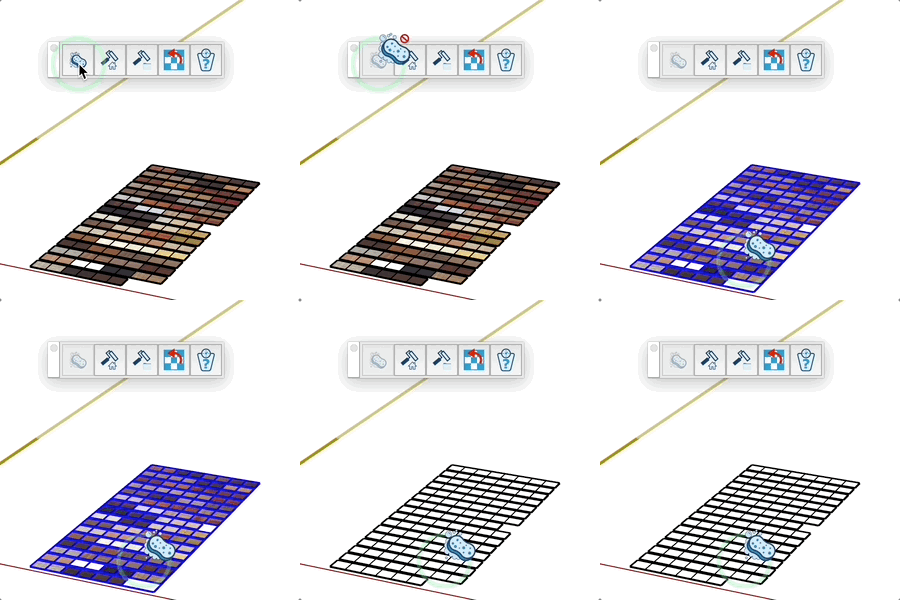
Unpaint Tool
Quickly remove materials from objects in your model.
How it Works
- Activate the Unpaint tool
- If objects are already selected, their materials are automatically removed
- Otherwise, click on an object to remove its material
Compatible Elements
Tips
- To process multiple objects at once, select them before activating the tool
- The tool recursively analyzes groups and components to remove all materials
- An object is automatically highlighted when the cursor hovers over it
- Faster and more visual alternative to the standard method of removing materials