Modular Builder Tool
Quickly insert modular components from an organized library with automatic and intelligent positioning.
How it works
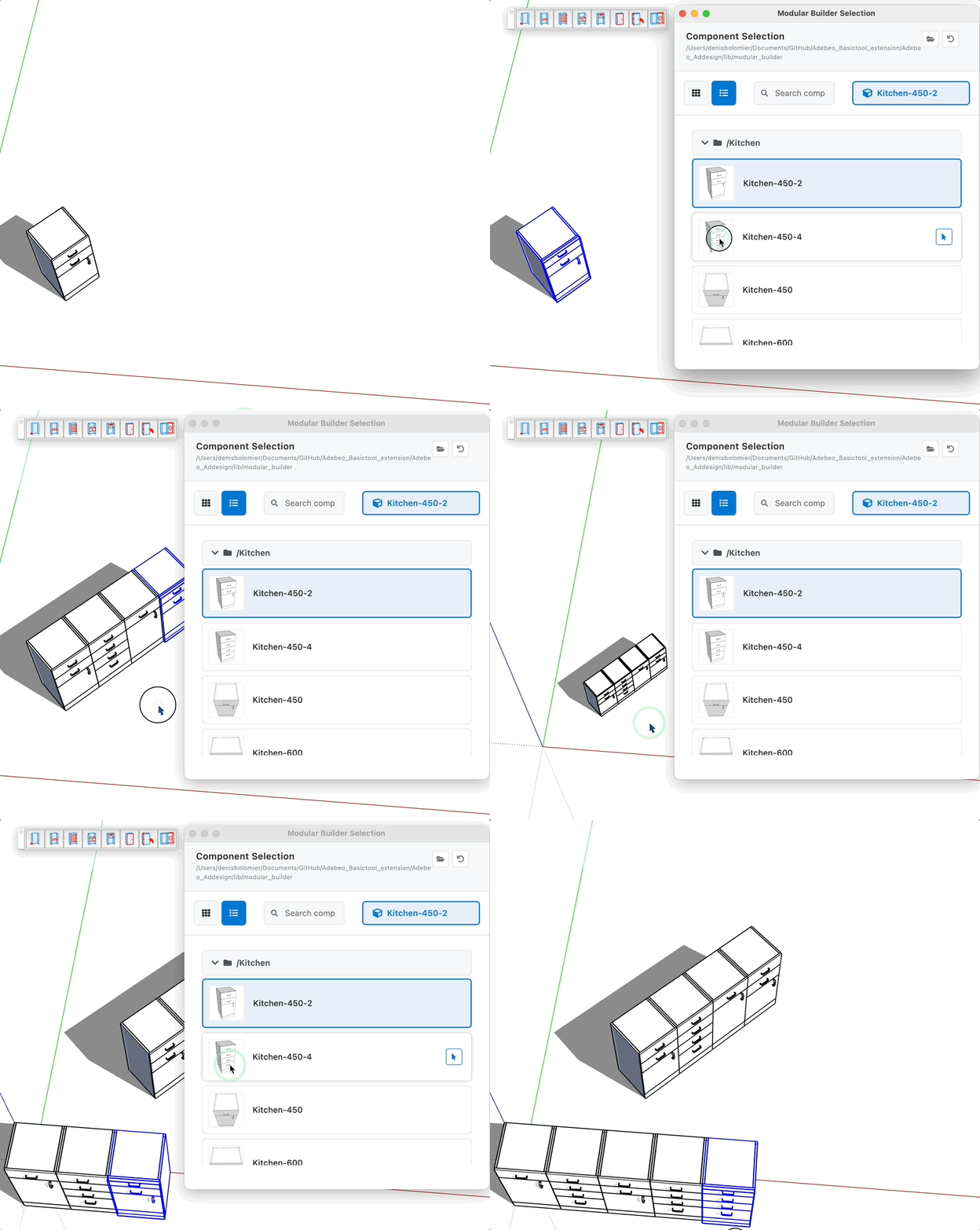
- Activate the tool to automatically open the selection dialog
- Browse available components in the library
- Use the search function to filter components by name
- Select an existing component in the model (optional)
- Click on "Select" to insert the component with intelligent positioning
- Repeat the operation to build your modular assembly
Selection interface
- Grid/List view: switch between thumbnail display or list view
- Search: filter components by name in real-time
- Folder organization: components grouped by subdirectories
- Automatic thumbnails: visual preview automatically generated
- Manual placement: option to use SketchUp's standard placement tool
Intelligent positioning
- Automatic insertion: positioning based on connection points (snaps)
- Adaptive orientation: automatic alignment according to the selected component's axes
- Origin point: automatic calculation of the optimal insertion point
- Modular continuity: compliance with assembly constraints
Library management
- Change folder: select another component directory
- Reset: return to the library's default folder
- Thumbnail generation: automatic creation of previews for all SKP files
- Hierarchical structure: support for subfolders for organization
Tips
- Organize your components in thematic subfolders for easier navigation
- The dialog remains open to allow insertion of multiple components
- Select an existing component before inserting a new one for automatic positioning
- Thumbnails are automatically generated and cached to improve performance
- Use the search function to quickly find a specific component
- Manual placement is available if you prefer to use SketchUp's standard tool
- The tool remembers the last directory used for your convenience