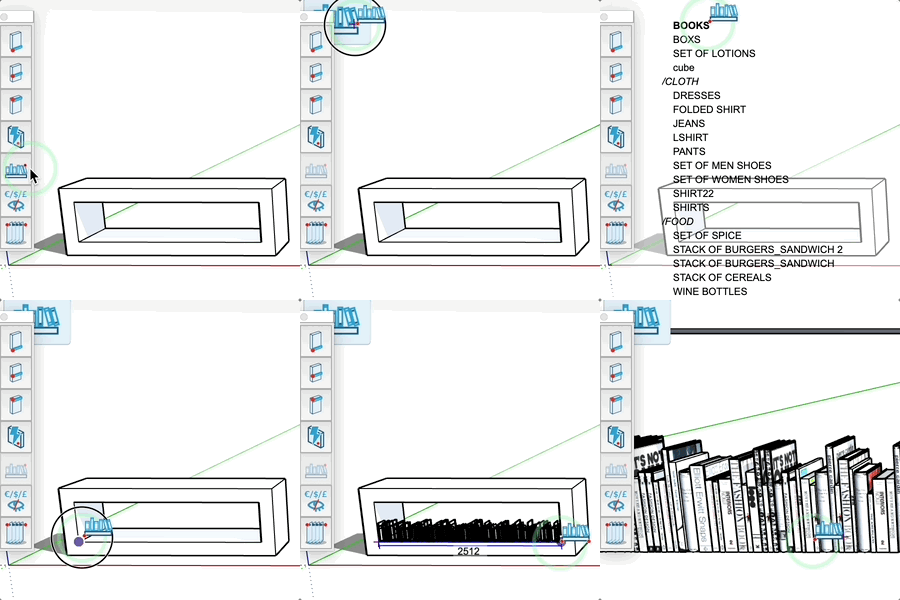
Facing Tool
Place components along a line with regular spacing.
How It Works
- Select a component library
- Click to set the starting point
- Click to set the end point
- Components are placed automatically
Parameters
- Enter a value in the input field to set the spacing
- The default spacing is preserved for subsequent operations
- The height (Z) remains constant between the two points
Tips
- If a pink line appears, you can double-click to automatically create a facing
- Click the icon in the top right to change libraries
- A preview shows the components before confirmation
- Dimensions are displayed in real-time
- Perfect for products on shelves as well as railings, fences