Component Weight Tool
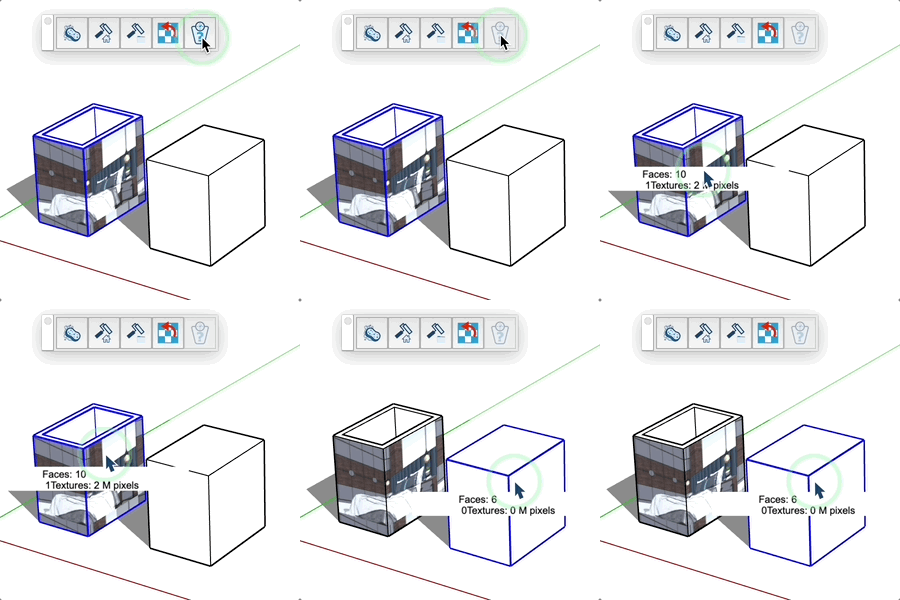
Analyze component weight by displaying the number of faces and texture sizes.
How it works
- Activate the tool
- Hover over a component, group, or face
- A tooltip displays information at the center of the object
Displayed information
- Total number of faces
- Number of textures
- Total texture size in millions of pixels
Tips
- The hovered object is automatically selected
- Recursive analysis of sub-components and groups
- Takes into account all textures (diffuse, AO, metallic, normal, roughness)