Target Audience
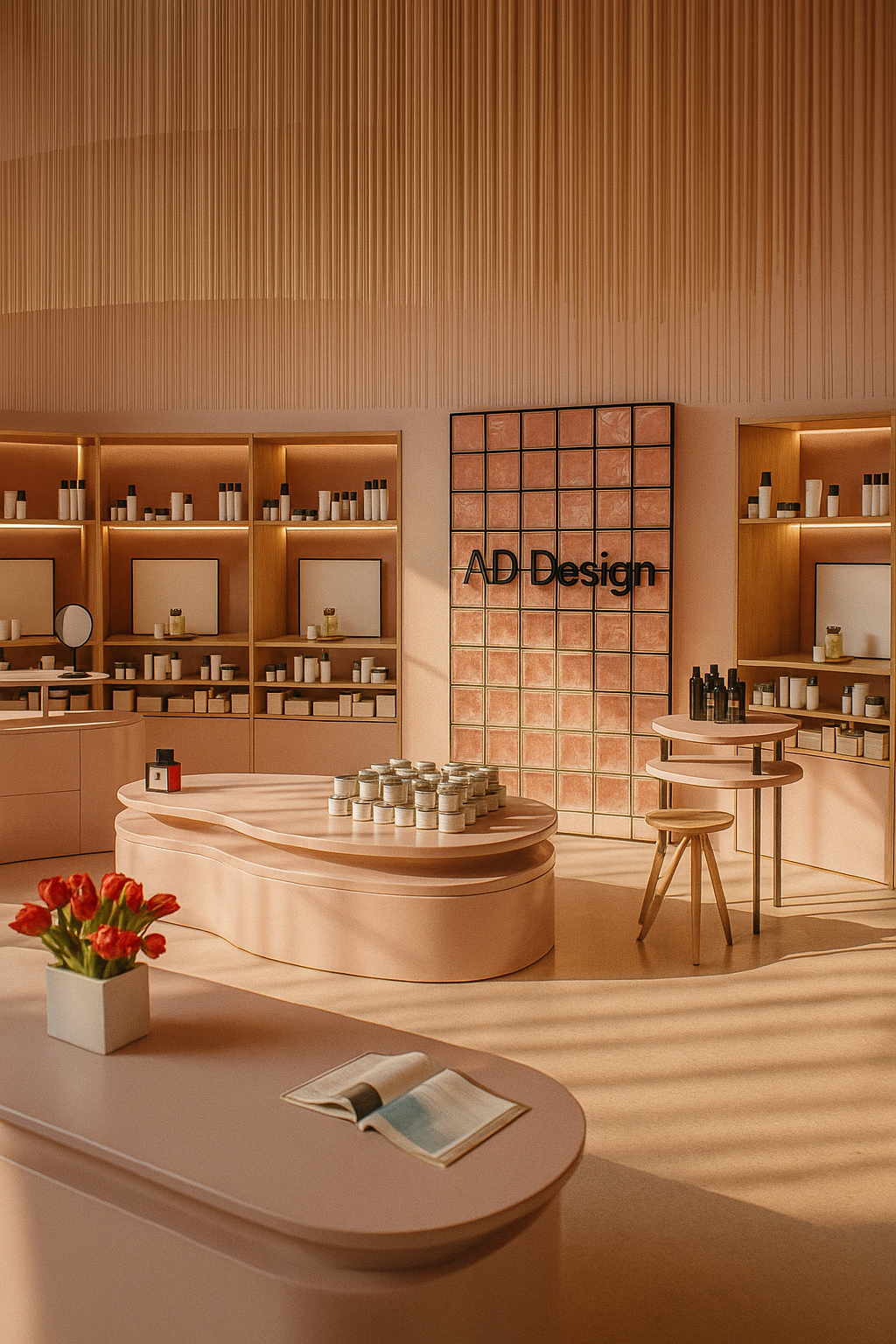
Retail, store layout
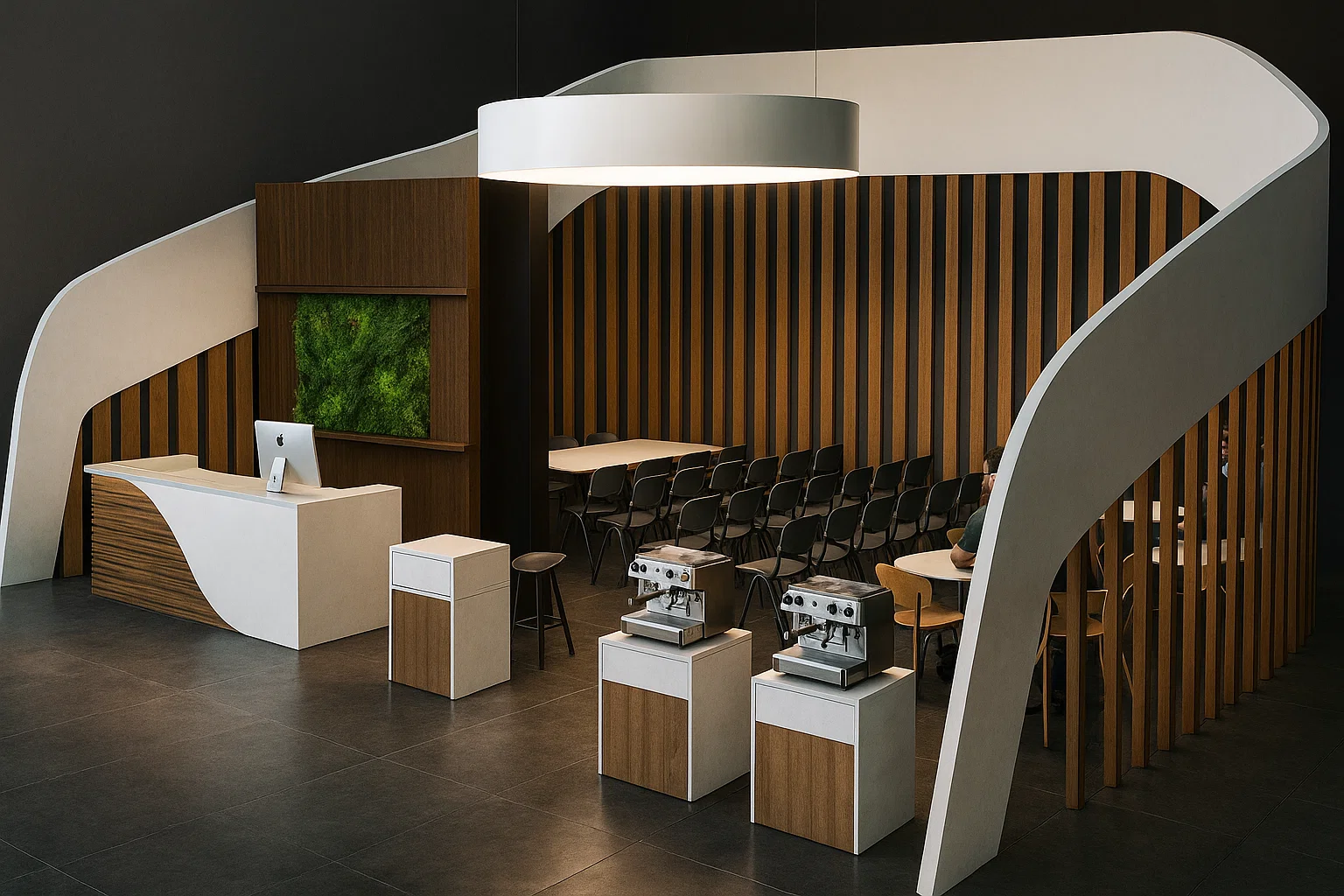
Event
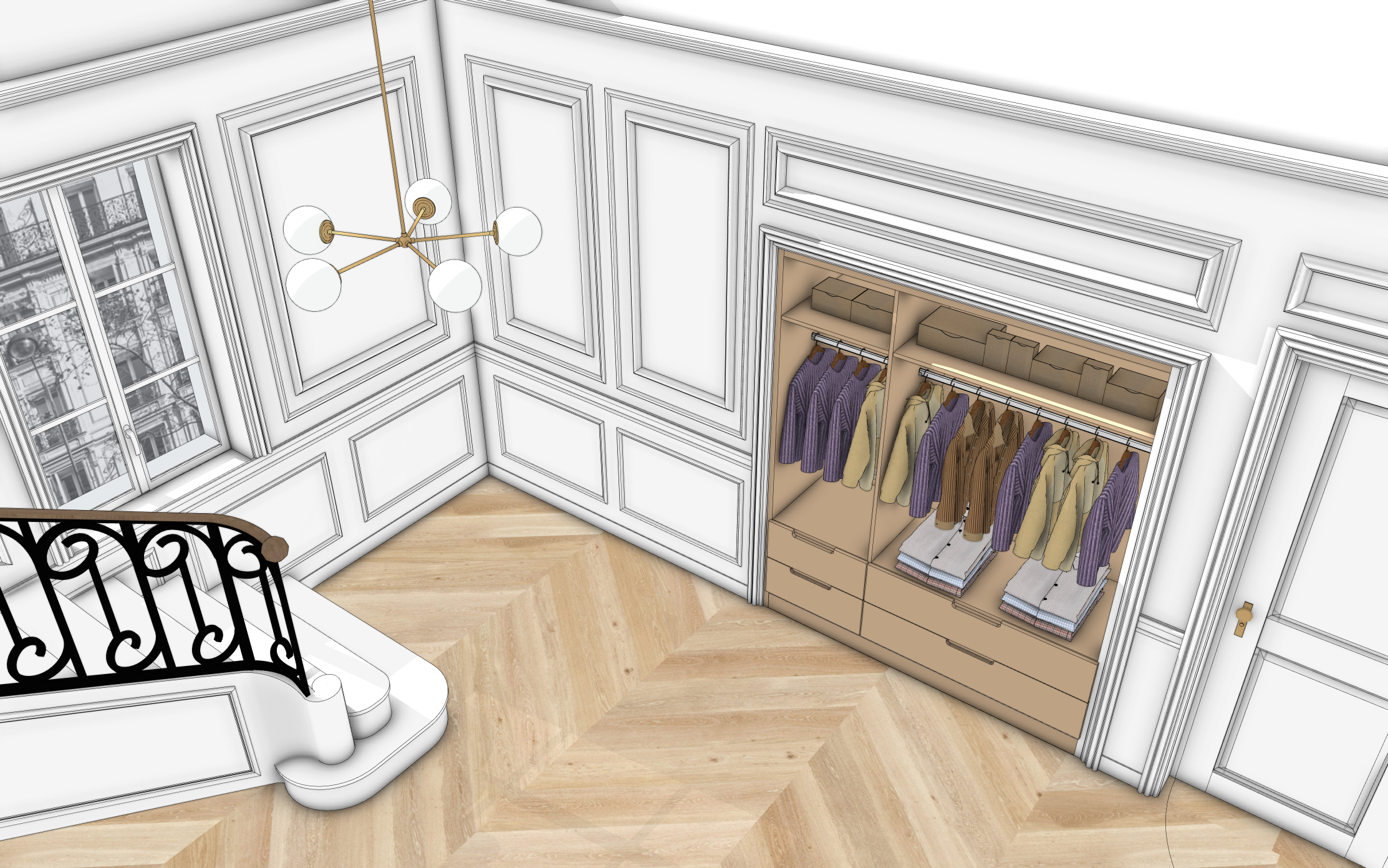
Click on the blue points to discover our tools in action
I've been using AD Design with SketchUp for a little while now and I find the extension really interesting for interior architecture. In my residential projects, the wall, opening and baseboard tools in particular provide a real time saving and make modelling much smoother than with SketchUp alone. The tool is generally intuitive for everyday uses and well suited to interior space design. It's a very relevant extension that I recommend to interior architecture professionals who use SketchUp on a daily basis.
I love this extension, I can't do without it anymore. It saves me an incredible amount of time on modelling and makes my client presentations much more interactive, especially with the door opening and facing for kitchen and dressing room design! I recommend it :)
The facing tool is a super useful help, it would be great to have even more elements!
Find a certified partner near you or become a reseller addesign-reseller@adebeo.com
For over 15 years, Adebeo has been training professionals in SketchUp, supporting layout designers, decorators, scenographers, and interior architects. Drawing from this field experience, we designed AD Design: an extension pack tailored for these demanding creative professions.
SketchUp is an extremely powerful software. It allows modeling any project in 3D. But each profession has its own constraints, needs, and habits. That's why AD Design was conceived as a genuine professional tool, designed to save precious time while improving the precision and quality of renderings.
50 tools to model faster, cleaner, more efficiently
The pack includes 50 specialized tools, classified into 8 main categories:
Each tool is represented by a clear and intuitive icon for immediate usability. All have been designed to accelerate 3D modeling, limit technical manipulations, and allow you to focus on the essentials: design and space ergonomics.
A professional tool, an expert vision
With AD Design, you gain speed, work comfort, and rendering quality. You standardize your processes, professionalize your deliverables, and free up time for creation. It's a condensed 15 years of SketchUp experience at the service of your profession.
AD Design is compatible with SketchUp Pro and Studio 2025 and all later versions, on both Windows and macOS. We recommend using the latest version of SketchUp to take full advantage of all features. AD Design does not work on smartphones, tablets, or the web version.
The pack includes 50 specialized tools organized into 8 categories: layout, doors and windows, walls, interior design, staircases, materials, utilities and geometry. Each tool is accessible directly from the SketchUp toolbar.
The free trial gives you access to all tools for 7 days. After this period, simply purchase a full license from one of our partner resellers.
AD Design is designed for professionals who know the basics of SketchUp. You should be familiar with navigation and basic drawing (rectangle, circle, push/pull, materials) in SketchUp before using the extension.
The AD Design license is personal and tied to a single user and machine. The subscription is transferable, meaning you can deactivate it on one machine and activate it on another. Contact our resellers who can offer packages suited to your needs.
Yes! Every tool has a video tutorial accessible directly from the extension via the Instructor button. Our support team is also available to assist you whenever needed.
No. AD Design is a SketchUp extension and cannot function without it.
AD Design is a subscription, which allows you to pay less and receive regular updates.
Your reseller handles basic support for the extension, including simple installation issues. For bugs, the AD Design technical team takes over.
Feel free to contact AD Design to submit your request.